
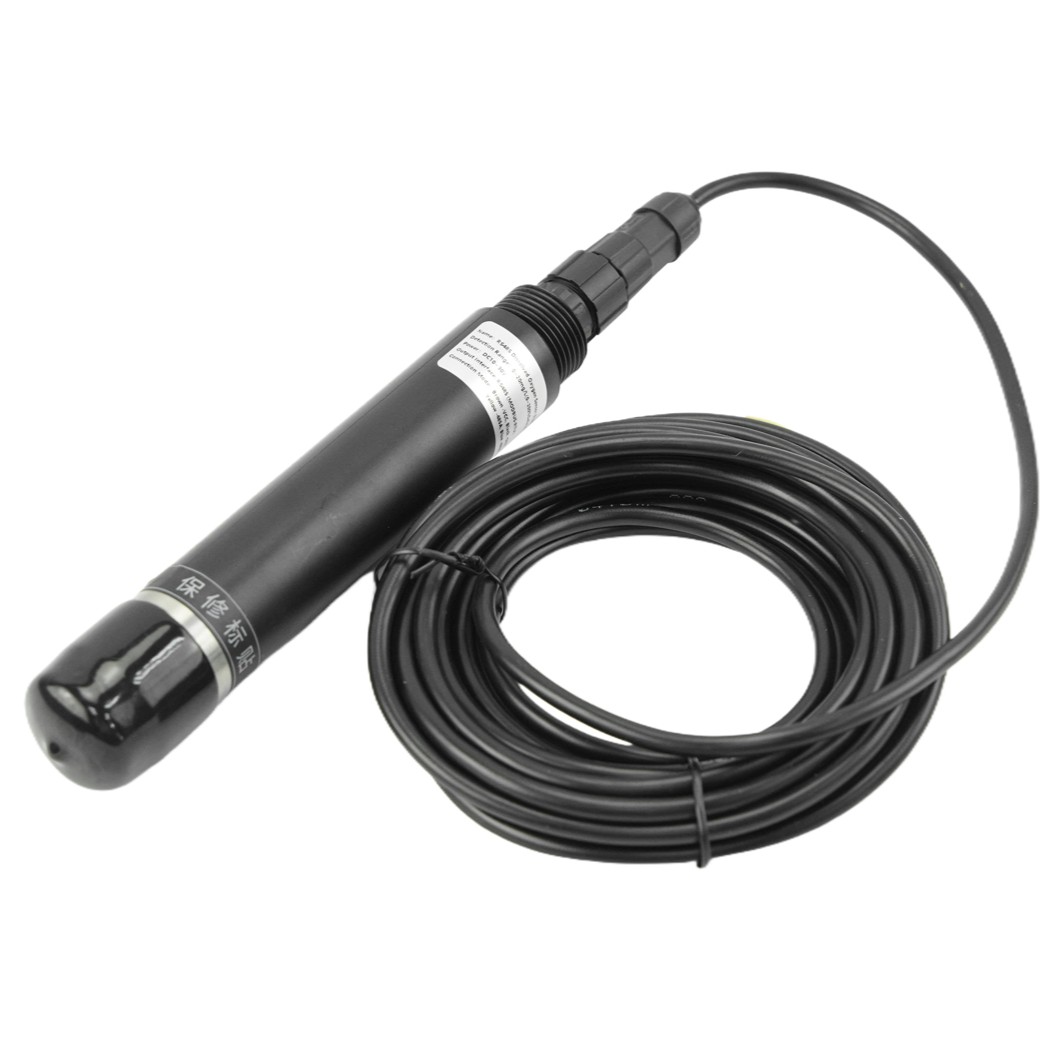
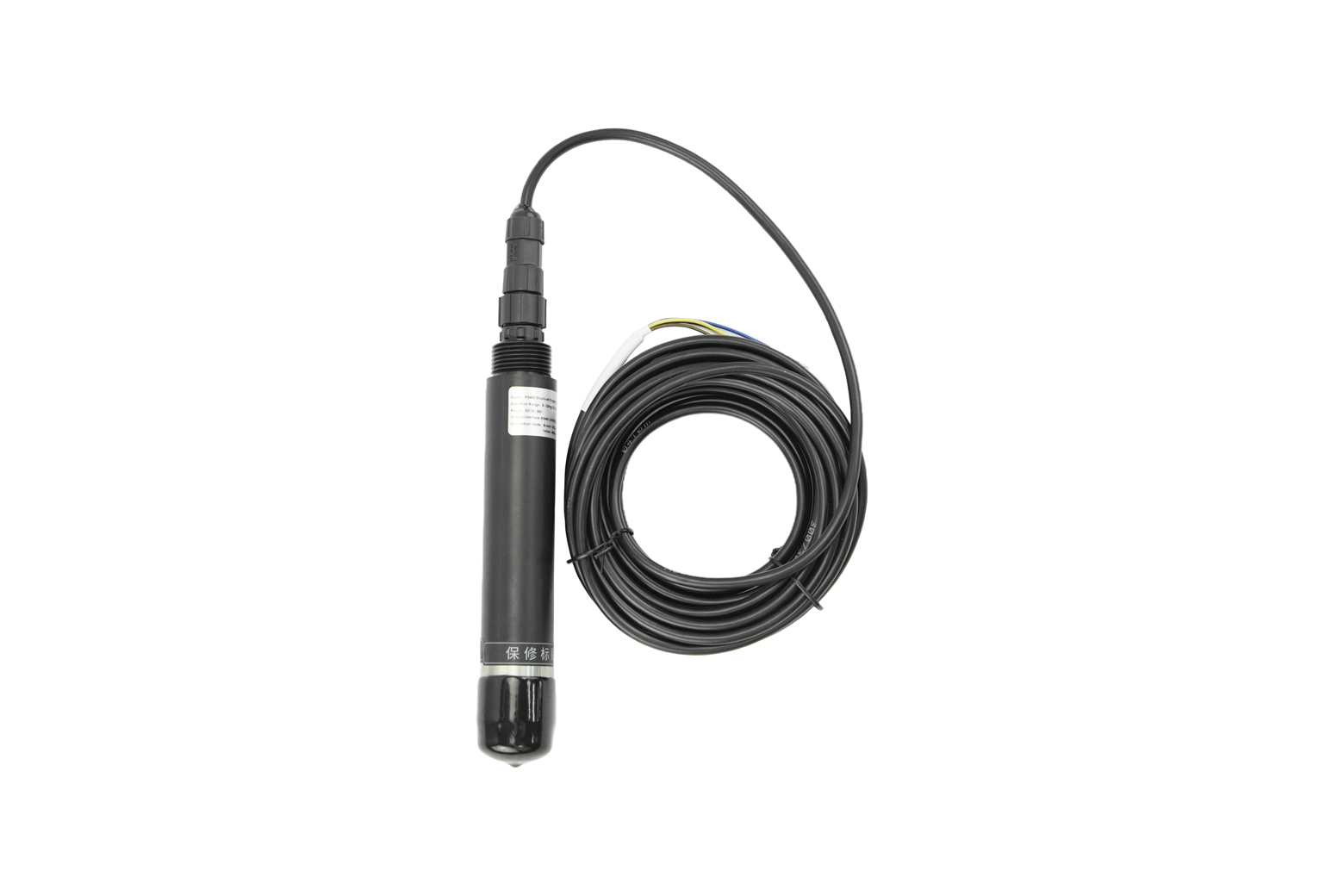
RS485 Fluorescence Dissolved Oxygen Sensor (Seawater) - แท้จาก DFRobot

| รหัสสินค้า | AS00646 |
| หมวดหมู่ | วัดสภาพแวดล้อมและแก๊ส Environmental / Gas |
| ราคา | 9,450.00 บาท |
| สถานะสินค้า | พร้อมส่ง |
| จำนวน | ชิ้น |

รายละเอียดสินค้า
ดูตัวอย่างการทำ calibration และโค๊ดตัวอย่างการใช้งานร่วมกับบอร์ด Arduino ได้ที่ Click
สินค้าใช้คู่กัน: Gravity: Active Isolated RS485 to UART Signal Adapter Module
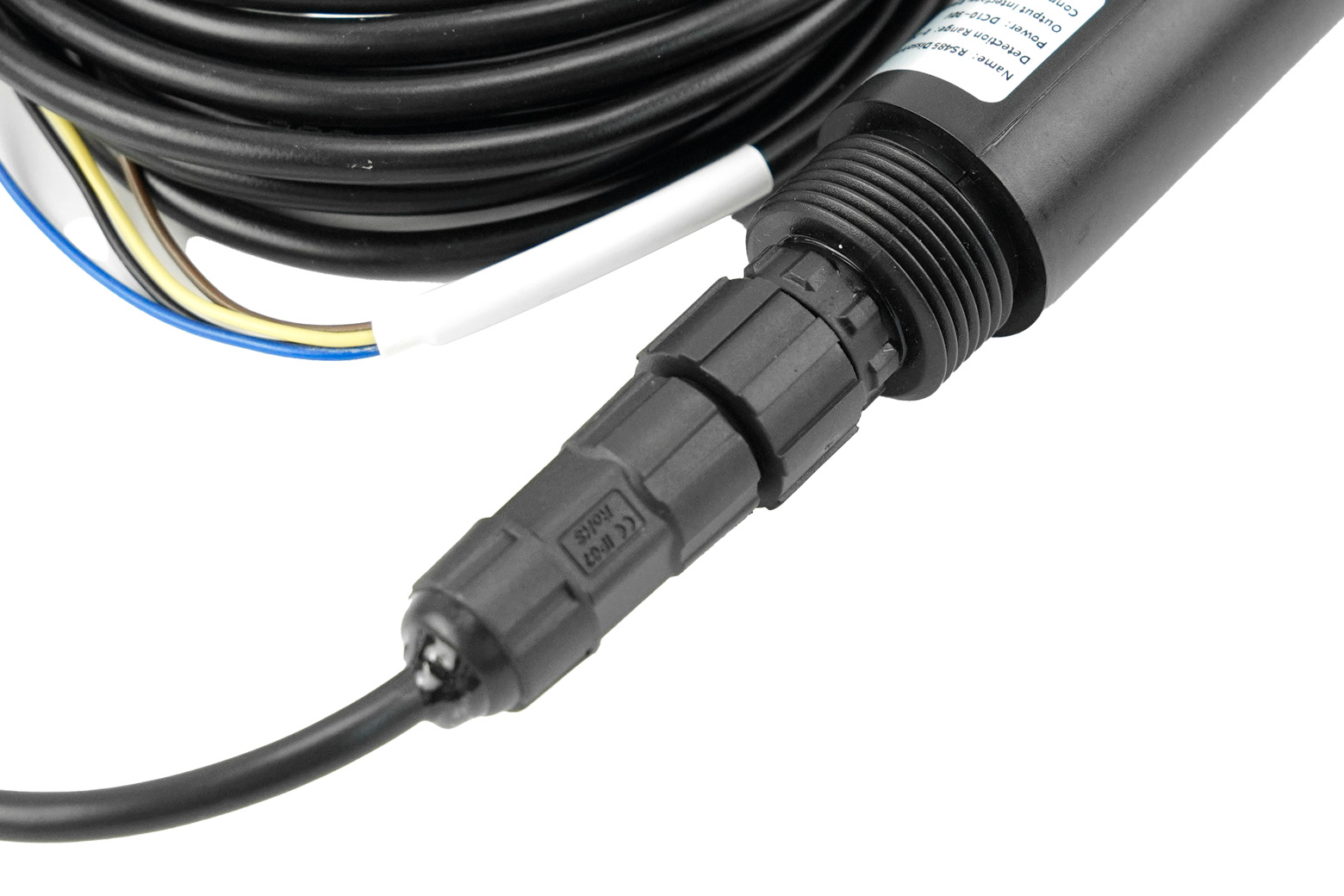
RS485 Fluorescence Dissolved Oxygen Sensor (Seawater) คือเซนเซอร์วัดออกซิเจนที่ออกแบบมาเฉพาะสำหรับน้ำทะเลและน้ำเค็มโดยเฉพาะ วัดค่าแบบ Fluorescence จึงไม่ต้องเปลี่ยนสารละลาย ไม่กินออกซิเจน และไม่ต้องบำรุงรักษาบ่อย ให้ความเสถียรสูงกว่าวิธีไฟฟ้าเคมีทั่วไป โพรบทำจาก สเตนเลส 316 กันสนิม กันเกลือ ระดับ IP68 จุ่มน้ำได้ต่อเนื่องยาวนาน รองรับแรงดันถึง 0.6MPa ใช้งานในบ่อทะเล ฟาร์มกุ้ง มอนิเตอร์น้ำชายฝั่ง หรือทุ่นตรวจวัดกลางทะเลได้สบาย สื่อสารผ่าน RS485 ModBus-RTU เชื่อม PLC หรือ Data Logger ได้ทันที พร้อมระบบ ชดเชยอุณหภูมิอัตโนมัติ ให้ค่าที่แม่นยำในทุกสภาวะ หากคุณต้องการเซนเซอร์ที่วัด DO ในน้ำเค็มได้อย่างเชื่อถือได้จริง รุ่นนี้คือ “ตัวจบ” สำหรับงานวิจัยและงานอุตสาหกรรมระดับมืออาชีพ.
Introduction
This RS485 Fluorescence Dissolved Oxygen Sensor is an advanced monitoring instrument specifically engineered for high-salinity applications. It operates on the principle of fluorescence quenching to provide stable, accurate readings across a 0–20 mg/L (0–200% saturation) range. Unlike traditional electrochemical sensors, this method eliminates the need for electrolytes and avoids electrode polarization, ensuring long-term reliability with minimal maintenance.
Featuring an industrial-standard RS485 ModBus-RTU interface, a wide 10–30V DC power supply, and automatic temperature compensation, this sensor is designed for easy integration and dependable performance in demanding marine environments.
Probe of RS485 Fluorescence Dissolved Oxygen Sensor

Optimized for Saline Environments
This seawater version is specifically designed for high-salinity waters. It utilizes specialized calibration and advanced algorithms to accurately compensate for the effects of salinity on dissolved oxygen measurement, ensuring reliable data integrity in oceans and marine aquaculture farms.
Stable Fluorescence Measurement
The sensor measures the phase difference between an excited red light and a reference light, a value inversely proportional to the oxygen concentration. This fluorescence-based method does not consume oxygen during measurement and requires no electrolyte replacement, drastically reducing operating costs and service frequency.
Stable Fluorescence Measurement of RS485 Fluorescence Dissolved Oxygen Sensor
Robust IP68 Stainless Steel Construction
Built to withstand harsh marine conditions, the probe is constructed from 316 stainless steel. It features an overall IP68 waterproof rating, providing excellent resistance to corrosion, salt, and alkali. This durable design ensures continuous operation in submerged, high-pressure (up to 0.6MPa) environments.
RS485 ModBus-RTU Interface
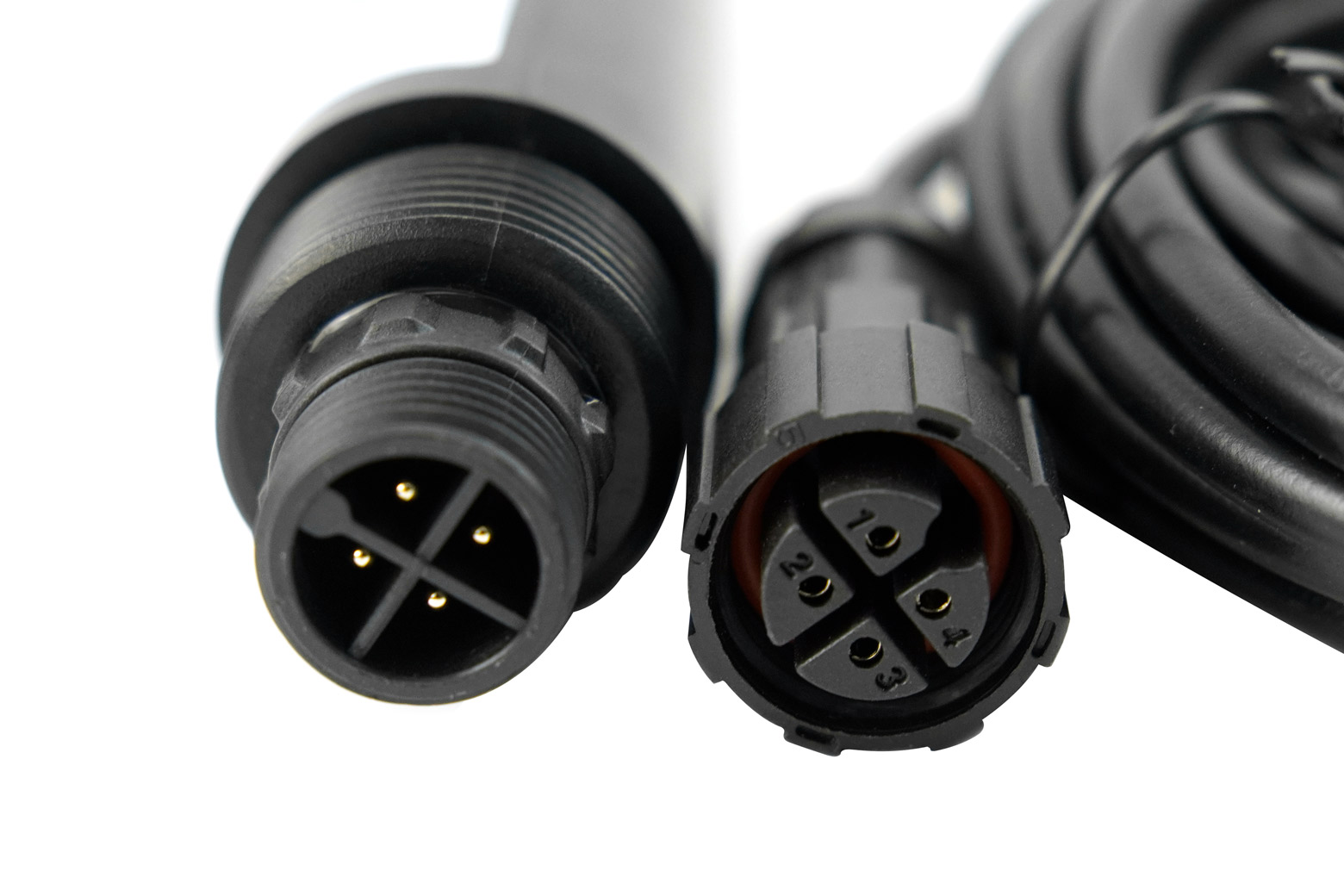
Equipped with an RS485 communication interface supporting the standard ModBus-RTU protocol, the sensor is easily integrated into PLCs, data loggers, and other industrial monitoring systems. A built-in temperature sensor provides real-time data and enables automatic temperature compensation for enhanced accuracy.
Applications
- Automated Mariculture & Aquaculture Monitoring
- DIY Oceanographic Data Buoys
- Long-Term Environmental Monitoring Stations
- Estuary & Coastal Water Quality Analysis
- Industrial Process Control in Saline Solutions
Applications of RS485 Fluorescence Dissolved Oxygen Sensor

Specification
- Power Supply: DC 10–30V
- Power Consumption: 0.2W
- Communication Interface: RS485 (Standard ModBus-RTU Protocol)
- Measurement Principle: Fluorescence
- Measuring Range: 0–20mg/L, 0–200% Saturation
- Measurement Error: ±3% FS; ±0.5°C (25°C)
- Resolution: 0.01mg/L; 0.1%; 0.1°C
- Response Time: ≤60s
- Operating Temperature: 0–40°C
- Fluorescent Film Lifespan: 1 year under normal use
- Waterproof Rating: IP68
- Pressure Resistance: 0.6MPa
- Cable Length: 5m
- Casing Material: Corrosion-Resistant Plastic
Documents
Shipping List
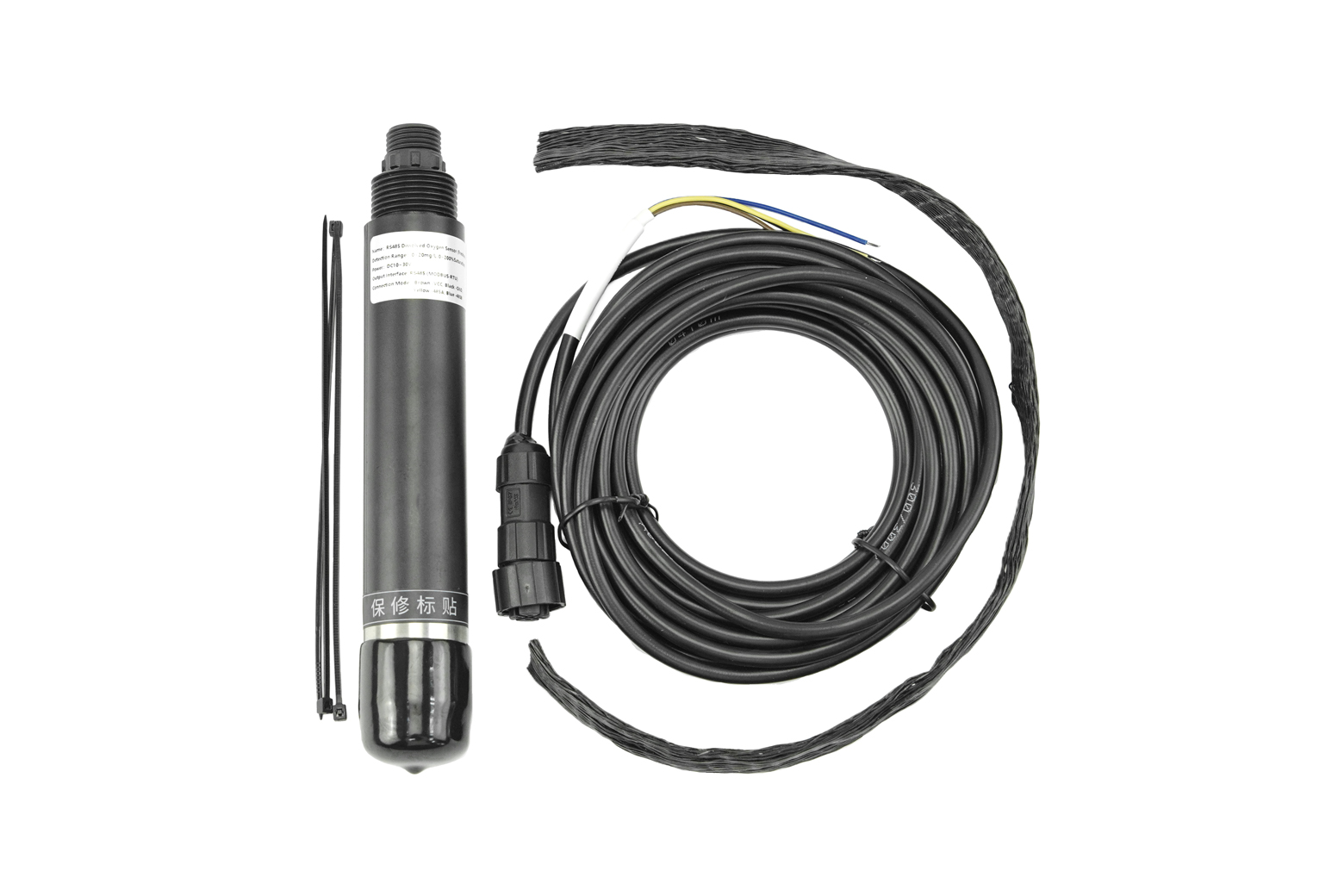
- RS485 Fluorescence Dissolved Oxygen Sensor (Seawater) ×1
- Sensor cable ×1
Tutorial
Requirements
-
Hardware
- UNO R3 (or similar) x 1
- Gravity: Active Isolated RS485 to UART Signal Adapter Module x1
- RS485 Dissolved Oxygen Sensor x1
-
Software
Connection Diagram
If the power of the RS485 device is small and the required current is less than 12V-160mA, the RS485 to UART signal conversion module does not require a 12V external power supply, making wiring more convenient.

Sample Code
Expected Results

Calibration Instructions
1. Calibration Preparation
Zero Oxygen Standard Solution Preparation: In a windless, sun-proof location, take enough pure water (distilled or deionized) to cover the stainless steel parts of the device. Add 5g of anhydrous sodium sulfite to every 95g of water and stir thoroughly to dissolve to create a 5% sodium sulfite solution. Let stand for 1 hour to ensure that the oxygen in the solution is completely consumed. If possible, add a trace amount of cobalt chloride as a catalyst.
100% Oxygen Environment Preparation: In a windless, sun-proof location, take enough pure water (distilled or deionized) to cover the stainless steel parts of the device. Using an air pump, continuously introduce air into the water for 1 hour. Then, let it stand for 30 minutes to create air-saturated water. Alternatively, in a windless, sun-proof location, take a small amount of water in a sealed container and shake vigorously for 30 seconds to create water-saturated air. During calibration, keep the device's fluorescent film approximately 1cm above the water surface to ensure it is moist but free of water droplets.
2. Start Calibration
Place the sensor in a 100% oxygen environment. After the dissolved oxygen value stabilizes, send the 100% saturation calibration command to complete the 100% oxygen saturation calibration.
Then place the sensor in zero oxygen standard solution, gently stir to accelerate the response, and let it sit. After the dissolved oxygen value stabilizes, send the zero oxygen calibration command to complete the zero oxygen calibration.
Note: The sensor should be allowed to sit for a sufficient period of time in each calibration environment to ensure that the sensor temperature is consistent with the ambient temperature.
Installation
The sensor should be installed below the liquid surface. Avoid bumping or scratching the fluorescent membrane during installation and use. Keep the fluorescent membrane away from sediment. Remove the rubber protective cover before use.
Precautions and Maintenance
◆ If the device exhibits obvious malfunctions, do not open it and attempt to repair it yourself. Contact us immediately!
◆ Avoid bumping or scratching the fluorescent membrane on the front of the device. Any damage will reduce measurement accuracy or even render it unusable. ◆ Avoid using organic solvents and avoid using organic solvents to clean the fluorescent cap.
◆ When installing the device, avoid excessive tension or stress on the cables.
◆ Device Cleaning:
The exterior surface of the device can be cleaned with tap water and a damp soft cloth. Stubborn dirt can be removed by adding some household detergent to the tap water.
For the exterior surface of the fluorescent cap, rinse any dirt from the sensor's optical window with clean water. If wiping is necessary, wipe gently with a soft cloth and avoid scratching vigorously to prevent damage to the fluorescent film, which can lead to inaccurate measurements or inability to measure. If dust or moisture enters the fluorescent cap, remove the cap and rinse the interior surface and the device's optical glass window with tap water. If there is grease or oil, rinse with tap water mixed with household detergent. Rinse off the detergent and wipe all cleaned surfaces dry with a lint-free soft cloth. Place in a dry place to allow the moisture to evaporate completely. Cleaning every 30 days is recommended.
◆ Before measuring, remove the black rubber protective cover.
◆ During long-term storage, add water to the sponge in the protective case and squeeze out any excess water to keep the phosphor film moist. Keep the temperature above 0°C to prevent freezing and damage. For dry storage, the lowest temperature can be -10°C. Before use, soak the device in water for 48 hours to restore the phosphor film's response.
◆ It is recommended to replace the phosphor film annually.
◆ Calibrate the device before each measurement. For long-term use, calibrate every three months. The calibration frequency should be adjusted based on application conditions (such as the degree of dirt and chemical deposits).
FAQ
- The computer has multiple COM ports, and the selected port is incorrect.
- The device address is wrong, or there are devices with duplicate addresses (all factory defaults are 1).
- Baud rate, check mode, data bit, stop bit error.
- Host polling interval and waiting response time are too short, both need to be set above 200ms.
- 485 bus is disconnected, or A and B lines are connected in reverse.
- Too many devices or too long wiring, power supply should be provided nearby, 485 enhancer should be added, and 120Ω terminal resistance should be added.
- USB to 485 driver is not installed or damaged.
- Equipment is damaged.
Note: To ensure the accuracy of the equipment, please clean the lower surface of the measuring area of the equipment regularly to keep it clean and free of dust or other foreign matter.
วิธีการชำระเงิน
ชำระเงินค่าสินค้าโดยการโอนเงินเข้าบัญชีธนาคาร KBANK, SCB, BBL,TMB
กรุณาเก็บหลักฐานการโอนเงินของท่านไว้เพื่อแจ้งการชำระเงินด้วยค่ะ
ท่านสามารถแจ้งการชำระเงินผ่านระบบอัตโนมัติได้โดย Click Link ข้างล่างค่ะ
https://www.arduitronics.com/informpayment
ชำระเงินผ่านธนาคาร
 บมจ. ธนาคารกสิกรไทย
สาขาเซ็นทรัล แจ้งวัฒนะ ออมทรัพย์
บจก. จีเจ เทค
054-3-24957-2
บมจ. ธนาคารกสิกรไทย
สาขาเซ็นทรัล แจ้งวัฒนะ ออมทรัพย์
บจก. จีเจ เทค
054-3-24957-2
 ธนาคารไทยพาณิชย์ จำกัด (มหาชน)
สาขาเซ็นทรัล แจ้งวัฒนะ ออมทรัพย์
บจก. จีเจ เทค
429-032188-8
ธนาคารไทยพาณิชย์ จำกัด (มหาชน)
สาขาเซ็นทรัล แจ้งวัฒนะ ออมทรัพย์
บจก. จีเจ เทค
429-032188-8
 ธนาคารกรุงเทพ จำกัด (มหาชน)
สาขาเซนทรัล พระราม 3 สะสมทรัพย์
บจ. จีเจ เทค
086-7-268583
ธนาคารกรุงเทพ จำกัด (มหาชน)
สาขาเซนทรัล พระราม 3 สะสมทรัพย์
บจ. จีเจ เทค
086-7-268583
 ธนาคารทหารไทยธนชาต จำกัด (มหาชน)
สาขาเซนทรัล พระราม 3 กระแสรายวัน
บจก. จีเจ เทค
2121057935
ธนาคารทหารไทยธนชาต จำกัด (มหาชน)
สาขาเซนทรัล พระราม 3 กระแสรายวัน
บจก. จีเจ เทค
2121057935


@rfm0967y
ติดต่อสอบถาม

Join เป็นสมาชิกร้านค้า

MEMBER


